Release Date 04.08.2026
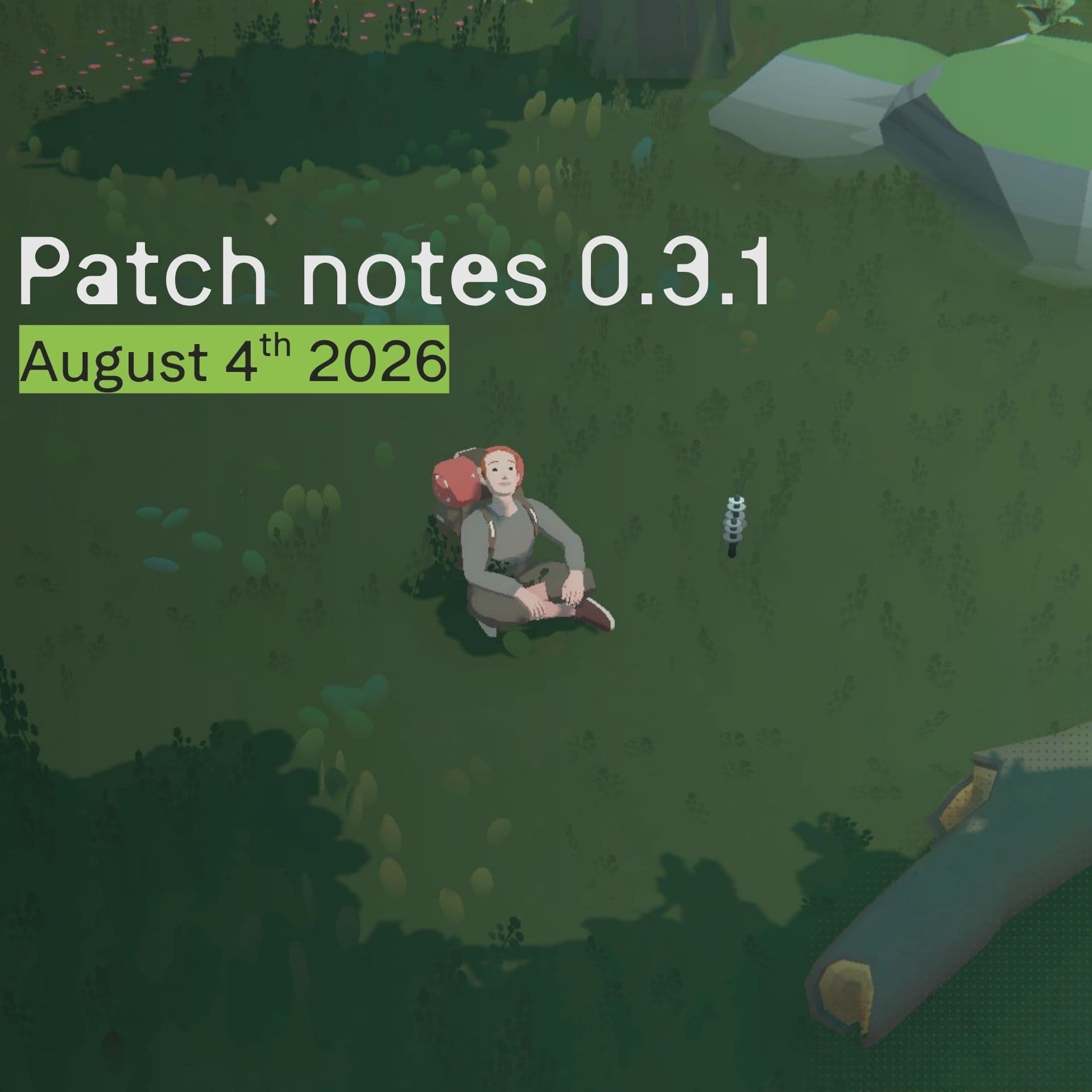
Welcome, Cultivators, to the first update since we entered Early Access.
There's been a lot of work behind the scenes, and we're glad to finally hand it over to you. Take your time with this one — a few things underneath Avesta are changing shape.
The short version
Three things worth knowing before you dig in.
01
Territory claiming
Societies can claim land anywhere on the map. Distant tiles cost 5,000,000 upfront and are held under a daily fee, at a price you set and anyone can pay to take them.
02
Resource scanning
A craftable scanner reveals rare resources hidden underground. Four rare resources are now scattered sparsely underground across every island.
03
Plots as schedule locations
Schedule a Seedling at a plot and it treats the whole plot as one workspace, farming outside and running machines inside.
Exploration
Rare surface deposits are still out there to be found. What has changed is underground: rare material below the surface is no longer something you stumble across. In 3.1 you go looking for it, scanning the ground, mapping what you find, and claiming the land above it before someone else does.
Resource scanning
A new Resource Scanner lets Seedlings survey the land for hidden subsurface resources.
STEP 1
Craft the scanner
Electronics 10
STEP 2
Equip a Seedling
Scanner + battery
STEP 3
Preview the area
Before you commit
STEP 4
Read the overlay
Eye icon, bottom right
STEP 5
Place the extractor
One cell, exactly
The scanner and its battery are both craftable at electronics level 10.
A new deposits overlay displays what that Seedling has discovered, with distinct colours and icons per resource type. Discoveries are remembered per Seedling, not shared across your society. Open the overlay from the visibility menu, the eye icon in the bottom right corner. It needs a Seedling with a scanner equipped to work fully.
Scanning shows a preview of the area it will cover before you commit, and buildings have gained a scan option in their context menu.
Rare surface deposits no longer have matching rare underground resources around them. Finding rare material now means scanning for it.
PAM's knowledge of scanning has been brought up to date.
Four rare resources, scattered sparsely underground
Bauxite
Rutile
Argentite
Aurite
Mining
If you already have extractors running, please read this. Nothing changes for them in 3.1: your currently placed extractors keep producing exactly what they produce today. The migration is deliberately progressive. But it is coming, and in a later patch an extractor sitting on a faded deposit will stop yielding what you built it for. Start planning to move your extraction machines.
Before 3.1, underground resources were easy to find and could be mined forever. That made exploration pointless — there was never a reason to go looking. From 3.1 onward, finding new deposits becomes a real part of progression, which means resources have to be genuinely scarce.
To get there, some existing resources are being faded out of the game. We're doing it gradually rather than all at once, so that players running businesses on existing mining operations have time to adapt. You'll see this play out across 3.1 and the patches after it.
Underground deposits around surface deposits
3.0
baseline
3.1
up to −50%
Size and abundance both reduced. Rare surface deposits no longer have matching rare underground resources beneath them.
Extractors now only mine the cell directly beneath them, so placement has to be precise. Existing extractors are unaffected.
The small mineral extractor cannot extract rare resources. Only the large extractor can pull Bauxite, Rutile, Argentite and Aurite.
Use the Resource Scanner and the deposits overlay to line up an extractor before you build it.
Territory claiming
Societies can now claim territory anywhere on the map, not just next to their existing borders. A distant claim costs 5,000,000 upfront and is then held under a daily fee. Distant claims work differently from adjacent ones, so learn both before you expand.
Adjacent territory
Unchanged
- Bought permanently
- No ongoing cost
- Cannot be taken from you
Distant territory · new
The Harberger Tax
- Costs 5,000,000 upfront to claim
- You then set the buyout price, separately
- You pay 0.5% of it daily, from the society treasury
- Anyone can buy it at that price, at any time, without your agreement
What the daily fee costs you
The buyout price is yours to choose, and it is separate from the 5,000,000 you paid to claim the tile. Set it high and the tile is secure but expensive to hold. Set it low and it's cheap, until someone buys it out from under you.
500
2.5/day
1,000
5/day
2,500
12.5/day
5,000
25/day
10,000
50/day
Buyout price you set · daily fee at 0.5%
If you already own territory, existing purchased tiles stay permanent and fee-free.
Plots can span multiple purchased territories again.
PAM has learned the territory claiming system and can answer questions about it in-game.
Scheduler
Pausing schedules
Seedling schedules can now be paused directly from the timeline: for the current block, until work starts, for the rest of the day, or until you log off. A paused Seedling follows its own needs and resumes on its own, even while you're offline.
Schedule presets
Weekly schedules can be saved as a preset. You can save up to 5 presets and swap between them as needed. Job slots and one-time appointments are not saved as part of a preset.
Plots as schedule locations
Plots can now be chosen as schedule locations. A Seedling scheduled at a plot treats the plot and every building on it as a single workspace: it farms outside, runs machines inside, and hauls between outdoor and indoor storage without needing separate instructions.
Machines in buildings on a plot can start production using ingredients stored anywhere on that plot. And a schedule block on a plot keeps hauling at that plot, so your workers no longer wander off carrying goods to other locations.
TODO list
Your TODO list can be pinned to the HUD, and individual tasks can be pinned straight from the context menu. TODO items you assign now bypass the Seedling's usual priority gate, so your instructions come first.
Deliveries
Removed
DeliverConverted to
HaulThe Deliver priority has been removed from personal schedules, and existing entries were converted automatically. You don't need to do anything, but your Seedlings' behaviour will change.
Haul now also covers self-pickup deliveries, the ones with no logistics business assigned. Seedlings set to Haul will collect your purchases and carry goods between your own locations without any extra setup.
A new Client Deliveries priority is available in job roles. Assign it to employees of a logistics business and they'll carry out deliveries that clients have assigned to that business, the same way External-mode delivery drones already do.
Direct deliveries now draw a visual arc in the world, just like transfers on plots.
Services & health
Service locations
Suggest Services now shows exactly what it would change and lets you accept or reject each item individually, instead of replacing all your advertised services at once.
Employees no longer take orders or make diagnoses when the required resources aren't available in the building.
Seedlings now pay for services immediately when goods are handed over. This significantly reduces the chance of a business not getting paid.
Employees now prioritise finishing running orders much more highly, so they won't wander off to haul something or address a need mid-order.
Service location UI now gives clearer warnings about misconfigured healing services.
Healthcare
Fixed an issue where doctors wouldn't treat injuries or illnesses that the customer could technically have treated themselves.
Doctors will no longer spontaneously heal something for free if it's configured as a Paid advertised service. No free healthcare on Avesta, unless you set it as free.
A new conditions list in Focus Mode shows exactly what's troubling your Seedling.
Social
Spark
Hashtags are here. Tag your posts and browse by topic.
The post composer has been redesigned in wide mode, now with an attachment pane.
Notifications have been added to the Spark app in narrow mode.
Opening Spark no longer automatically marks all your Spark notifications as read.
Take an in-game photo instantly with a new keyboard shortcut:
Ctrl+PCultivator profiles now have a direct message button.
PAM now knows about Spark.
Chat
The chat window has been redesigned: a flatter message list, a single conversation list with favorites, and a simpler friend-requests popup.
Chat messages now appear immediately instead of waiting for member lists to load, and the mini-chat remembers which conversation you had open.
Group chats now show a member count and roster. Click a member to view their profile or message them directly.
Long Seedling Chat replies now wrap correctly on narrow screens.
Pinned chats pointing at a deleted group are now cleaned up instead of erroring indefinitely.
Seedling Chat message handling is more reliable overall.
Relationships
The context menu now shows the relationship impact of an action before you take it.
The Social app now explains the relationship values each status requires.
Fixed Seedlings repeatedly performing the same social action in a loop.
Content & balance
Default Seedling daily budget
300
before
100
in 3.1
Following reports of players logging back in to find their wallets drained by Seedlings spending autonomously.
Society taxes now charge the intended rate
Set 1%
charged 100%
1%
Set 2%
charged 200%
2%
Set 5%
charged 500%
5%
A bug multiplied every tax rate by one hundred. It's fixed.
The two Wooden Shack building palettes have been combined into a single Wooden Shack with two colour variations: white and brown.
A new item, white paint, is used to create the white Wooden Shack variant.
The Bleached Shack palette options now match the Wooden Shack.
Workbenches have updated models. One of them is larger than the model it replaces, so it may visually overlap nearby objects and, in the worst case, block navigation. If a workbench is in the way after updating, move it.
Food can now spoil and convert into biomass while in a Seedling's inventory, the same way it does in normal containers.
Wild pumpkins now spawn in nature.
A batch of new object and biome icons, plus sharper icons across the board.
Quality of life
Listing a property for sale now asks for confirmation first.
Seedlings will now only resort to drinking murky water during a genuine water crisis, and are far more inclined to walk home for clean water than drink murky water nearby.
Starving or sick Seedlings now always deal with the problem instead of wandering off to practise a skill.
Notifications to societies and departments are no longer lost. They're now received through the new Receive Notifications permission, which has been added to most leadership roles by default. If you use custom roles, check this permission is enabled.
A free Frontier Tent is now always given when migrating to a different society.
Active Objectives now render at the top of the list.
The time display has gained a pause icon that relates to the Seedling scheduler, and a year label.
Skill requirement cards now explain level 0 unlock gates.
Context menus have received a round of usability and feedback improvements.
Added a feedback sound when a road modification is denied.
A round of layout and dark mode polish across the apps.
PAM has received a light personality touch-up.
Buildings are now highlighted when you click or hover over them.
Rooms inside buildings are no longer highlighted on mouse hover, only when hovering over rooms in the context menu of a building.
There is a game setting available to disable nudity censorship.
Mobile
Fixes
Crafting tables, extractors, the 3D Printer, and dozens of other objects that were invisible now render correctly.
The chat input no longer hides behind third-party keyboards.
The hardware back button and back swipe now close open popups first.
Fixed intermittent disconnects caused by a failed session refresh.
Fixed connection time-outs when the app is suspended.
Fixed occasional crashes when bringing the app up from the background.
Improved background reconnection logic.
General fixes
Work and schedules
Work schedule slots no longer get stuck after a Seedling quits a job.
Editing an employee's work tasks now actually reaches the assigned Seedling.
Hauling work is no longer unintentionally interrupted.
The map view scheduler popup now opens on the correct day.
Completed Quick Produce tasks no longer clog machines.
Buildings and construction
Fixed several issues causing Seedlings to enter private rooms.
Private rooms now stay private while their building is being edited.
Seedlings no longer loop endlessly trying to leave buildings with a courtyard.
Resource piles no longer block construction when they're in a valid spot.
Subway construction can be cancelled from the land planner's delete button.
Fields no longer get stuck in a watering loop.
Items and storage
Worn objects without anchor slots can now be repaired.
Containers that cannot be packed now keep their contents when moved.
The auto sell list has regained its delete button and scrolling.
Camera and interface
Clicking and hovering no longer selects entities hidden by fog.
Camera focus is released when the focused target disappears.
The camera no longer jumps when inspecting a building it's already looking at.
Territories can be clicked from the land planner when right click is enabled in settings.
The online indicator now shows on portraits even when the name row is hidden.
Character creator stats and traits display correctly at all interface scales.
The app device no longer opens blank when triggered outside the HUD.
Fixed deep links in PAM chat.
Fixed a startup crash and window flicker on macOS.
Other
Fixed an issue in the Wallet app where system transactions showed a blank counterparty.
Improved wording on failed delivery notifications.